Configure Menus
When the Configure icon,  , at the top of the Project Tree is depressed (toggled “on”), the appropriate Configure menu for the selected item in the Project Tree will be displayed at the bottom of the Project Tree. The picture below shows that a Project branch has been selected and the Configure Project menu is displayed at the bottom of the Project Tree.
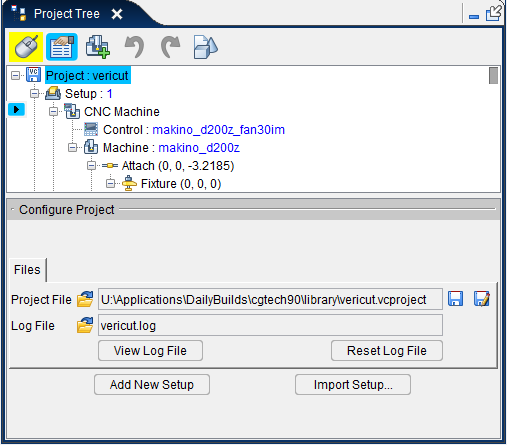
Each of the Configure menus, with all of its features, is described in detail in the sections that follow.
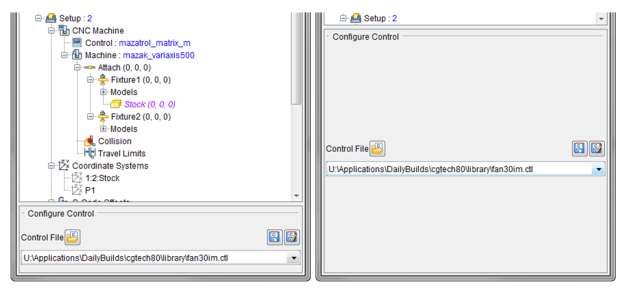
The Configure menus are all displayed a consistent size, but are resizable by the user for better Project Tree navigation.
Resizing a Configure menu
Click on the upper border of the Configure menu and while holding the mouse button down drag the cursor to the desired location as shown in the picture below.