Plane Angle
Location:
X-Caliper tab > Feature/History group >  (Plane Angle)
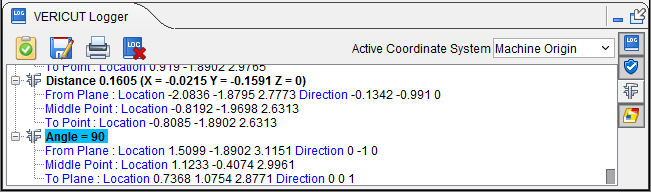
The Plane Angle command button enables you to select two points on a material to analyze the angle between them. Once the command button is active, click in the graphical display on the first point and the second point you wish to measure between. Notice that a blue arrow will point outwards from the plane you are selecting, helping you to make certain you are selecting the right plane. The information will be displayed in your Logger as shown below:
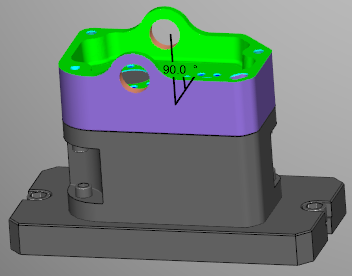
Additionally, the angle measurement will then be superimposed on the material at the point where the measure was taken in the View window as shown below:
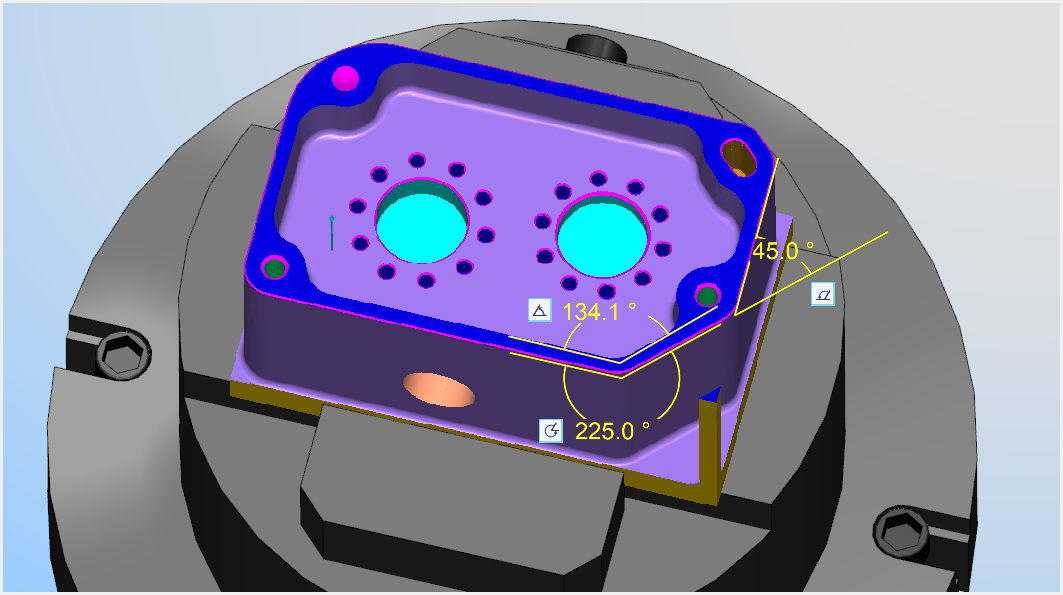
This measurement will display only so long as any of the Feature/History group command buttons are active. All measurements will disappear once none of these buttons are active but the measurements can be viewed again by turning on one of these command buttons. This feature can also be edited by left-clicking on the measurement thus displaying the following menu:
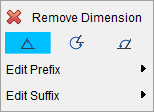
Remove Dimension — clicking the red x deletes the measurement permanently.
Inside Angle — selecting this option means that the angle will be measure from the shortest distance between the two points selected (usually 90 degrees or less).
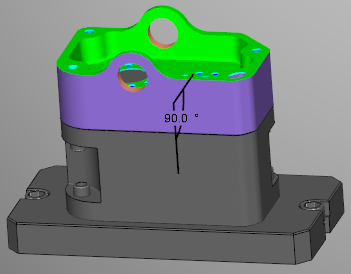
Outside Angle — selecting this option means that the angle will be measure from the longest distance between the two points selected (usually over 90 degrees).
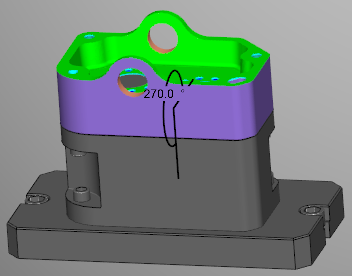
Supplement Angle — selecting this option will flip the measured angle by 180 degrees.
📝 NOTE: The above three angle features can also be found in the X-Caliper Dimensions group.
Edit Prefix — use this feature to edit in text that will appear before the measurement via a text edit window. Click Default on the edit window that appears to remove entered text.
Edit Suffix — use this feature to edit in text that will appear after the measurement via a text edit window. Click Default on the edit window that appears to remove entered text.