Configure Saved In Process Files menu
Location:
Project Tree > Saved IP Files branch (Configure “on”)
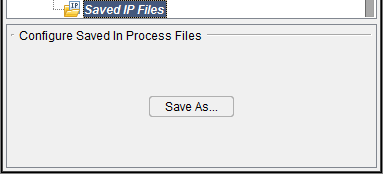
Save As — Opens the Save In-Process As window enabling you to save an IP file at the "current" state of processing.
↘️ Shortcut: Double clicking on a Saved IP Files branch in the Project Tree panel to expand the Saved IP Files branch so that all of the IP files are shown.
Configure In Process File menu
Location:
Project Tree > IP File (Configure “on”)
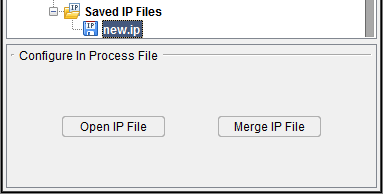
Open IP File — Opens (loads) the highlighted IP file.
Merge IP File — Merges the highlighted IP file into the current session. (ref. Merge (In Process file), in the File tab section of Vericut Help).
↘️ Shortcut: Double clicking on an IP file in the Project Tree panel will open (load) the IP file in Vericut.