Open In-Process
Location:
File tab >  (Open In-Process)
Toolbar short cut for opening IP files: 
The Open In-Process command button opens the Open In-Process window enabling you to open (load) an In Process file, or "IP file" (ref. In-Process File, in the Getting Started section of Vericut Help).
IP files contain all the data necessary to re-establish a Vericut session, including the current Vericut model (with previous processing), user interface settings, and a copy of the Log file.
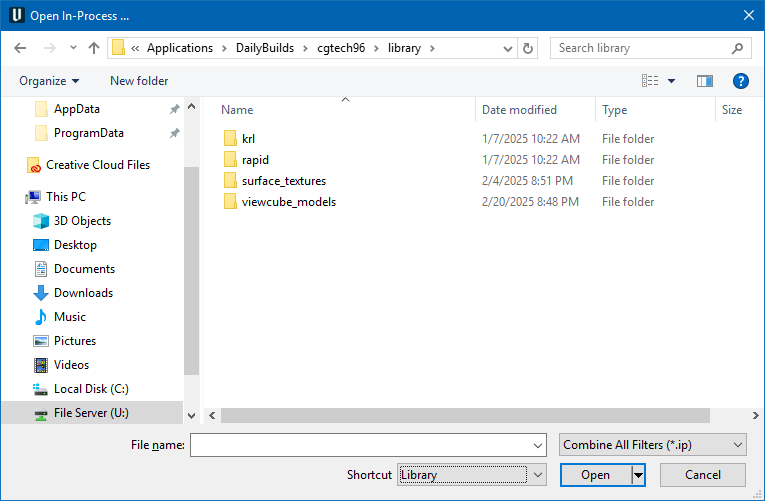
Most features on this window are standard file selection window features that enable you to navigate through directories, filter files, and type, or select, /path/filenames. A description of features specific to Vericut can be found in the Introduction to Vericut File Selection Windows section of Vericut Help.