Vericut Assistant
Location:
Help tab >  Vericut Assistant
The Vericut Assistant (VA) command button opens the Vericut Assistant panel which is an AI co-pilot that is capable of answering user queries, navigating the software, and generally helping users with other basic tasks. VA can also be accessed by using the F2 button while hovering over any Vericut feature with your mouse. Doing so will cause VA to open with a basic summary of the highlighted feature.
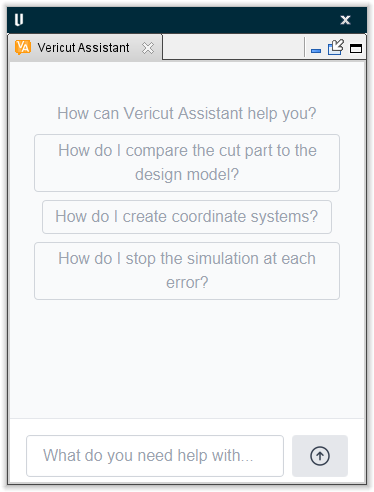
To use the Vericut Assistant (VA), you can click on one of the pre-populated questions or type your own. VA will attempt to explain or answer the feature being asked about to the best of its ability. There are also buttons at the end of each reply that allow you to copy the answer to your clipboard, give a thumbs up to an especially good answer, or give a thumbs down to an answer that was not helpful. Using the thumbs up and down feature helps us to improve the VA's answering abilities.