WinTool
Locations:
Tool Manager > Tool Bar > Import tab>  (WinTool)
Vericut has the ability to easily use 3D tooling generated from the WinTool tool data management system. WinTool is an independent tool database management system.
WinTool generates a .tls file for use in Vericut’s Tool Manager. This .tls file can be generated independently from Vericut or from launching the WT-Tool Export executable (for example "C:\Program Files (x86)\WinTool\WT-Vericut-Interface\WT-ToolExport.exe") via the WinTool icon from Tool Managers’s Import ribbon.
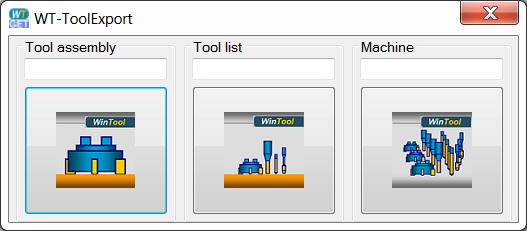
📝 NOTE: The WinTool software must be open to use the WT-ToolExport dialog.
For further details on the WinTool WT-ToolExport interface see the WT-Vericut-Interface-Manual-E.pdf (for example: C:\Program Files (x86)\WinTool\WT-Vericut-Interface\Docs\WT-Vericut-Interface-Manual-E.pdf) or contact WinTool.