Configure Drilling & Fastening menu
The settings in the Configure Drilling and Fastening menu apply to both Vericut Drill and Fastener Programming and Vericut Drill and Fastener Simulation.
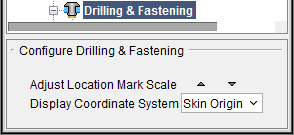
Adjust Location Mark Scale — Use to change the size of the location mark and vector displayed in the graphics area. Scale value is saved in the project file. Each time you click on the  (up arrow) icon, the location mark and vector are displayed larger. Each time you click on the
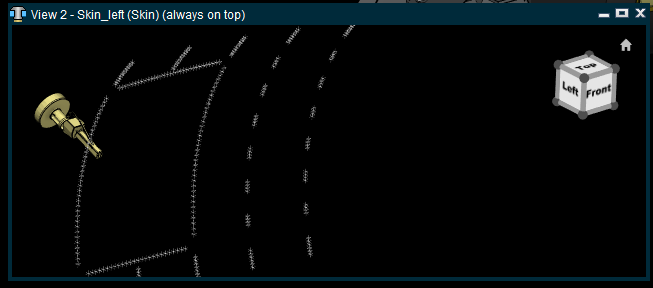
  (down arrow) icon, the location mark and vector are displayed smaller. See the pictures below:
Location Marks displayed small.
Location Marks two "clicks" on the (up arrow) larger.
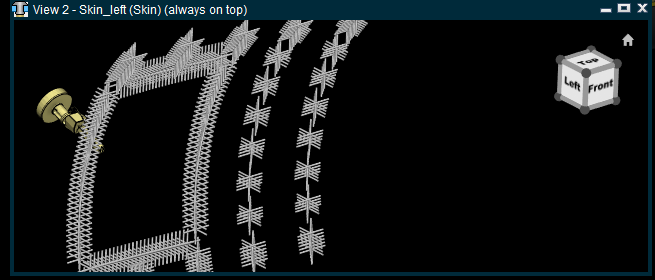
The Adjust Location Mark Scale is saved in the project file.
Display Coordinate System — Defines the coordinate system that projection data (XYZIJK) in a location table is relative to. Select the coordinate system from the pull-down list.