Help Tab
The Help tab contains various features that provide information about the Vericut software itself including license info, software documentation, and an AI copilot. All features will be summarized on this page but each hyperlinked feature can be clicked on to see a more detailed description for more information.
Welcome — opens the Welcome Screen which provides access to commonly used first actions for a Vericut session.
Training Viewer — Opens the Training Viewer panel enabling you to navigate various trainings offered by Vericut.
On Vericut Drilling and Fastening — opens the Vericut Help system, which you are currently reading, to the default landing page.
License — opens the License window showing the status of Vericut licenses on your license server.
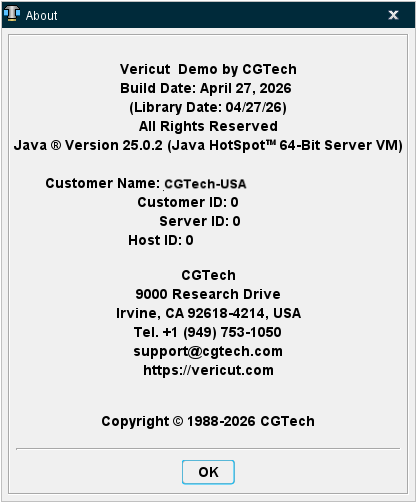
About Vericut Drilling and Fastening — opens the About window showing version and customer related information.
Check for Updates — opens the Update window which notifies users if there are any newer versions of the software available or if the software is as up to date as possible.