Introduction
The purpose of this document is to assist you in getting the most out of the Vericut online Help System. It will describe the basic Help features as well as describe how find the specific information that you need within this extremely large help system.
Help Basics
The Vericut Help Library page contains a link to the current Vericut Release Notes. It also contains links to all of the major documents in the Help Library.
Example 1:
The following is an example of a hyperlink that takes you to a topic within the same file.
Check Using F1 Help section for more information.
Example 2:
This is an example of a hyperlink that displays a small document with additional information. In this case a sample of a control file is displayed as shown in the picture below.
Click here to see a sample Control File.
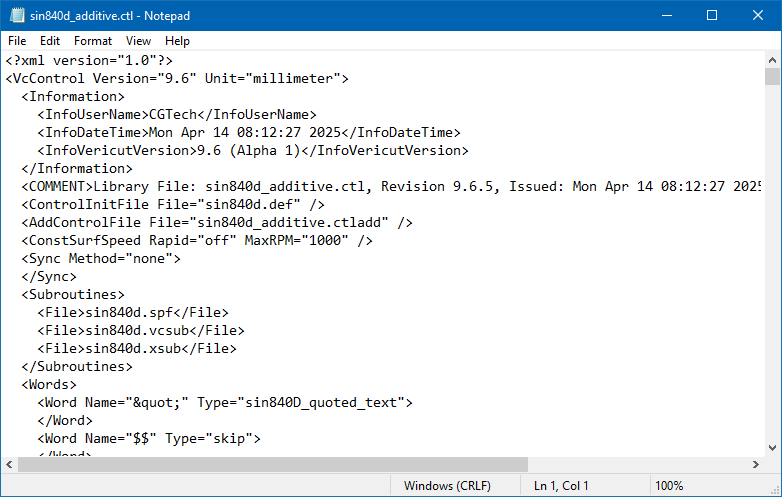
You would then click on the box with the X in the upper right corner to dismiss the pop-up window.